Website Shoppers: 6 Claude visitors try to buy from your website (free Claude Code skill)
Last updated October 2026 · About 10 minutes · Skill: free (MIT licence). Running it needs Claude Code: Claude Pro ($20/mo) or Max, or API credit · Beginner
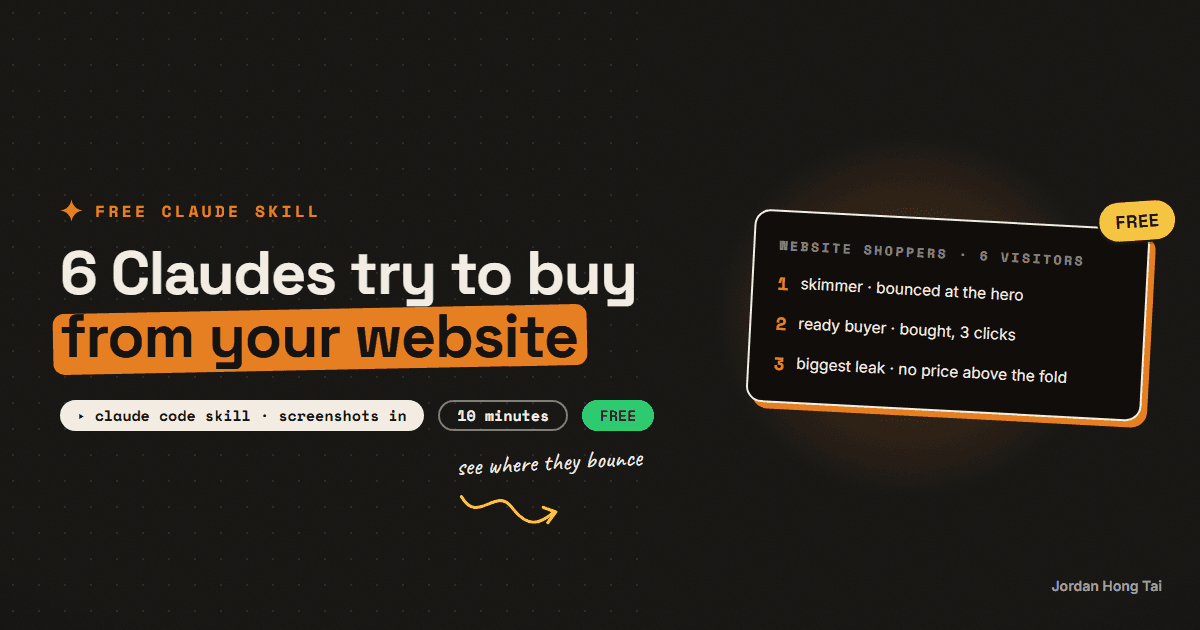
You screenshot your website and say what visitors should do there. Six Claude visitors, each a different kind of person, try to get there separately, and you see exactly where each one gives up and what to fix first.
It's a free skill for Claude Code, and you don't need to write any code to use it. You copy a folder, prepare one input and type one line.
Who's on the panel
- The 5-Second Skimmer: looks at the top of the page for five seconds and decides
- The Ready Buyer: came to buy and wants the button, the price and the next step now
- The Comparison Shopper: has three tabs open and needs a reason to pick you
- The Skeptic: won't buy from anyone who can't prove they're real
- The Newcomer: new to the whole category and stopped by any jargon
- The Phone Thumb: on a phone, one thumb, on a train
Each one votes BUY (they got there) or BOUNCE, says on which screenshot and section they left, scores the page out of 10, and gives one reason and one fix. They don't see each other's answers: in Claude Code each one runs as its own Claude, with its own fresh context, all 6 at the same time.
What you get
A report short enough to fit in one screenshot:
- how many of the six reached your goal, and a score out of 10
- a bounce map: where each visitor left
- the biggest leak on the page
- the top 3 fixes, in order, each tied to a section
- a rewritten headline, subheadline and main button
The last line of the report says how the panel actually ran, so you always know whether you got 6 separate Claudes or one Claude doing 6 passes.
Before you start
- Claude Code. It works in the Claude desktop app (the Code tab) or in a terminal.
- A paid Claude plan or API credit. Claude Code needs a Claude Pro ($20 a month) or Max plan, or pay-as-you-go credit from the Claude Console. Each run starts 6 reviewers, so it uses more of your plan's usage than a single chat message.
- The skill folder. Download it free below. The skill file costs nothing; running it is what needs Claude Code.
- About 10 minutes for the first run, then a minute or two per run after that.
Step 1: Put the folder in place
Unzip the download. Copy the whole website-shoppers folder (not just the files inside it) into your Claude skills folder:
- Mac:
~/.claude/skills/(in Finder press Cmd+Shift+G and paste~/.claude/skills) - Windows:
C:\Users\YOUR-NAME\.claude\skills\(paste%USERPROFILE%\.claude\skillsinto the File Explorer address bar)
If the skills folder doesn't exist yet, create it.
Check it worked: this file exists on your computer: .claude/skills/website-shoppers/SKILL.md.
Step 2: Screenshot your website
Take screenshots of your page: the top of the homepage, then scroll and screenshot each screen, then the page where people pay, book or sign up. Add one or two from your phone if you can. Put them in one folder, named in order (01.png, 02.png...).
Check it worked: you have one folder of screenshots, in order, from the top of the page to the checkout or booking page.
Step 3: Run it
Open Claude Code and start a new session so it picks up the new skill. Then type /website-shoppers, then drag the folder into the window so its path appears, then write what visitors should do. Press Enter. For example:
/website-shoppers "/Users/you/Desktop/site-shots" goal: book a free consultation
It takes a minute or two. If Claude asks for permission to read your files or to start the visitors, say yes.
Check it worked: you see the report in the chat, and its last line starts "Panel: 6 separate Claude reviewers, run in parallel" (or "Panel: 1 Claude, 6 separate review passes" if your setup can't start subagents). It's also saved as website-shoppers-report.md when Claude is allowed to write files.
What it can't do
- It works from screenshots. It can't click through your site or see your analytics.
- Only a link? If Claude can fetch web pages in your setup it reads the page text, and the report says the visitors read text, not the design. Screenshots give a better result.
- It won't invent reviews, logos or prices for your rewrite.
Using the Claude.ai chat app instead
You can upload the skill as a zip in the Claude.ai app (Settings, then Capabilities, then Skills). Chat can't start subagents, so there one Claude plays all 6 visitors one after another. It still works, and the report's last line says so.
Website Shoppers skill: SKILL.md, 6 visitor briefs, chair, optional reviewer agent
FAQ
Is it really free?
The skill is free: download the folder, use it, change it, share it (MIT licence). Running it needs Claude Code, which comes with a paid Claude plan (Pro at $20 a month, or Max) or pay-as-you-go API credit. Each run starts 6 visitors, so it uses more of your plan than one chat message.
Can I just give it my URL?
You can, and if your setup lets Claude fetch web pages it will read the page text. The visitors then judge words, not design, and the report says so. Screenshots of the full page plus the checkout or booking page give a much better result.
Does it work for an online shop or a booking page?
Yes. Any page with one thing you want visitors to do: buy, book, sign up, call. Tell it the goal in plain words after the folder path.
Related guides
Pricing Panel: 7 Claude panelists argue over what you should charge (free Claude Code skill)
You describe what you sell and what you charge now. Seven Claude panelists, each a different kind of buyer or advisor, argue over the price separately, and you get one recommended price with the packaging and the lines to put on your sales page.
Cold Email Spar: 6 Claude sparring partners test your cold email before you send it (free Claude Code skill)
You paste a cold email and say who it's going to. Six Claude sparring partners, each someone your email has to get past, read it separately and vote reply, ignore or delete. You get the one problem costing you the most replies and a rewrite ready to send.
Profile Panel: 6 Claude reviewers judge your Instagram profile (free Claude Code skill)
You screenshot your Instagram profile. Six Claude reviewers look at it separately, each from one angle, and you get back a short report: a score, the three fixes to make first, and three rewritten bios you can paste today.
Get the next build in your inbox
One email a week: the newest guides, plus one thing I only share with the list.
No spam. Unsubscribe anytime.
Build alongside others
Join the free community and share what you're shipping.

Jordan Hong Tai
I've scaled products to over 500K users, and now I build AI systems in public from a balcony in Tokyo.