Make AI sound exactly like you (the voice file trick)
Last updated July 2026 · 15 min · Free · Beginner
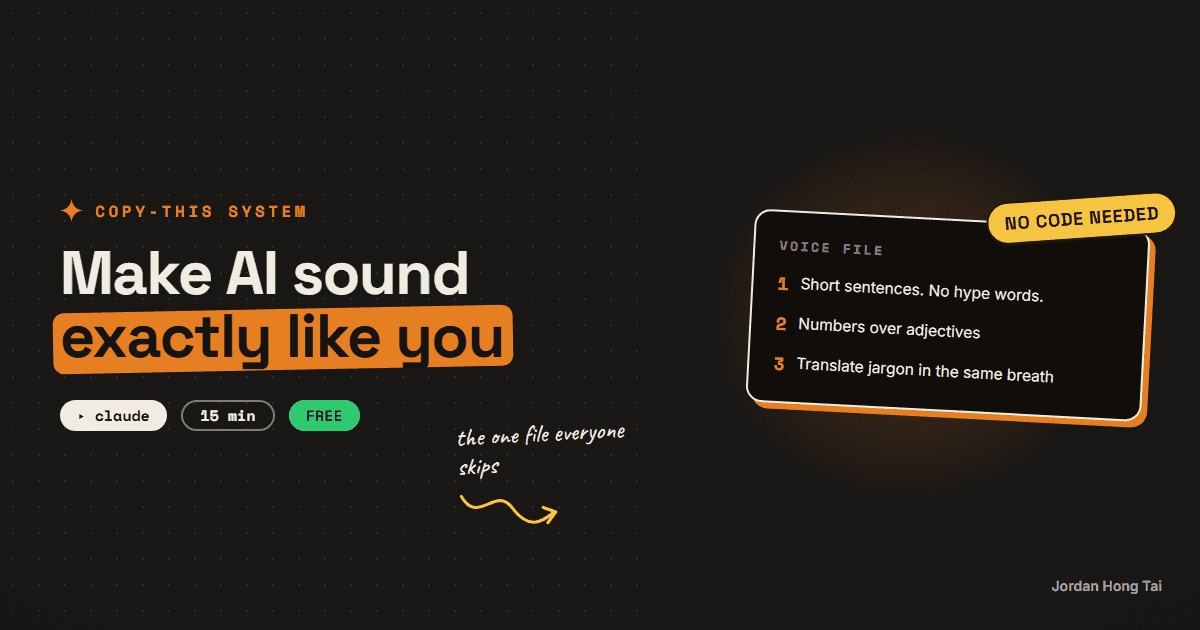
AI content sounds like AI because the model has never met you. In 15 minutes you'll build the one file that fixes it: a voice file the AI loads before writing anything.
If you want to make AI sound like you, stop writing better prompts and start writing one file. The model doesn't know how you talk. The voice file is where you tell it, once.
What you'll have when you're done
- A voice file: one plain-text document with six sections that any AI tool can load
- Proof it works: the same post generated with and without the file, side by side
- A calibration habit, so the file gets sharper every week instead of going stale
- [SCREENSHOT: the finished voice file in a Claude Project]
Before you start
- A Claude account. Free plan is fine. (The same file works in ChatGPT.)
- 5 pieces of your own writing that sound like you: posts, emails, captions, anything.
- 15 minutes.
Step 1: Collect 5 samples that sound like you
Grab 5 pieces of your writing and paste them into one document. Rules for picking:
- Pick pieces people replied to. Replies mean the voice landed.
- Mix formats: a post, an email, a caption. Voice shows up in all of them.
- Skip anything you wrote to sound professional. That's the voice you're trying to escape.
Check it worked: you have one doc with 5 samples in it, and reading them back-to-back feels like you.
Step 2: Have the AI extract your voice file
Don't write the file by hand. Hand the samples to Claude and make it do the extraction. Paste this in a new chat, then paste your samples where marked:
Here are 5 pieces of my writing that sound like me. Study them, then
build my voice file with exactly these six sections:

1. WHO I AM: one paragraph, first person, based on what the writing
   reveals.
2. WHO I'M TALKING TO: who reads this and what they want from me.
3. VOICE ATTRIBUTES: 3-5 rules that describe how I write, each with a
   one-line explanation.
4. SAY THIS, NOT THAT: 5 pairs. Pull the "say this" side from my actual
   phrasing; write the "not that" side as the generic version I avoid.
5. WORDS I USE / WORDS I NEVER USE: two lists, drawn from the samples.
6. FORMATTING RULES: sentence length, paragraph rhythm, punctuation
   habits, emoji policy. Be specific enough that a stranger could
   imitate me.

Quote my actual phrases as evidence inside each section. Then append
the 5 samples at the end under EXAMPLES, unchanged.

My samples:
[paste your 5 samples here]
This six-section structure is the same one my production voice file uses. The two sections people skip, "say this, not that" and the word lists, are the ones that do the most work.
Check it worked: you have a six-section voice file that quotes your own phrases back at you, with your 5 samples at the bottom.
Step 3: Install it where the writing happens
The file only works if the AI loads it before writing. Two ways:
- Claude Project: create a project called Writing, paste the voice file into the project instructions (or add it as project knowledge). Every chat in that project now starts with your voice loaded.
- Custom GPT: paste it into the GPT's instructions.
Check it worked: the file lives in the project instructions or knowledge, not in a random chat you'll lose.
Step 4: Run the A/B test
Prove the file works before you trust it. In your writing project, send:
Write a 150-word post announcing [your topic] two ways.
Version A: ignore my voice file completely. Write it how you'd
write for anyone.
Version B: follow my voice file exactly.
Label both. Don't blend them.
Version A is what everyone else is posting. Version B should read like your best writing day. If you can't tell them apart, your samples in step 1 were too generic; swap two of them for spikier pieces and re-run step 2.
Check it worked: version B sounds like you and version A doesn't. Someone who knows you could pick B blind. [SCREENSHOT: A and B side by side]
Step 5: Calibrate when it drifts
The file is never done, it's maintained. When a draft feels off, don't fix the draft. Fix the file:
Version B is close but not me. Notes: [what felt off, e.g. "too salesy,
I never use exclamation points, my sentences are shorter than this"].
Update the voice file so this never happens again, and show me the
full updated file.
Paste the updated file back into your project instructions. Two or three rounds of this and the drift mostly stops.
Check it worked: your next generation reflects the notes without you repeating them.
The voice-file template + worksheets
FAQ
Does this work with ChatGPT too?
Yes. The voice file is plain text, so it works anywhere you can paste instructions: Custom GPT instructions, a Claude Project, or the top of a one-off prompt. Build it once, use it everywhere.
How many writing samples do I really need?
Five is the sweet spot. Fewer than three and the AI guesses at patterns that aren't there. More than ten and the signal blurs. Pick pieces that got replies or comments, because those are the ones where your voice actually landed.
What if I don't like how I write yet?
Then describe the writer you want to be in section 1 and pick samples closest to that. The voice file is a target, not a mirror. Plenty of people use it to sound like their best writing day, every day.
Why not just tell the AI 'write casually, no jargon'?
Because 'casual' means something different to every model. A voice file replaces adjectives with evidence: real phrase pairs, real word lists, real examples. That's the difference between describing your voice and proving it.
How often should I update the file?
Every time output feels off, fix the file instead of the draft (step 5). Expect two or three updates in the first month, then it mostly stabilizes. Mine is around 300 lines now and changes maybe once a quarter.
Related guides
The exact system that writes a week of my content in an hour
You'll build the AI content creation system that turns one topic into a week of platform-ready drafts, in your voice. One hour to set it up, and after that Monday runs the week.
Turn Claude into your trend researcher (10 minutes, free)
You'll set up a Claude Project that answers the question 'what should I post about today?' with a ranked, source-linked list on demand. It takes 10 minutes and works on the free plan.
On-brand AI images every time: the reference trick nobody uses
You'll stop describing your brand to AI and start handing it references. Ten minutes of setup, and your generated images come back in your palette every run.
Get the next build in your inbox
One email a week: the newest guides, plus one thing I only share with the list.
No spam. Unsubscribe anytime.
Build alongside others
Join the free community and share what you're shipping.

Jordan Hong Tai
I've scaled products to over 500K users, and now I build AI systems in public from a balcony in Tokyo.