Automations that work while you sleep (free, no Zapier)
Last updated July 2026 · 20 min · Free (AI calls cost cents) · Comfortable
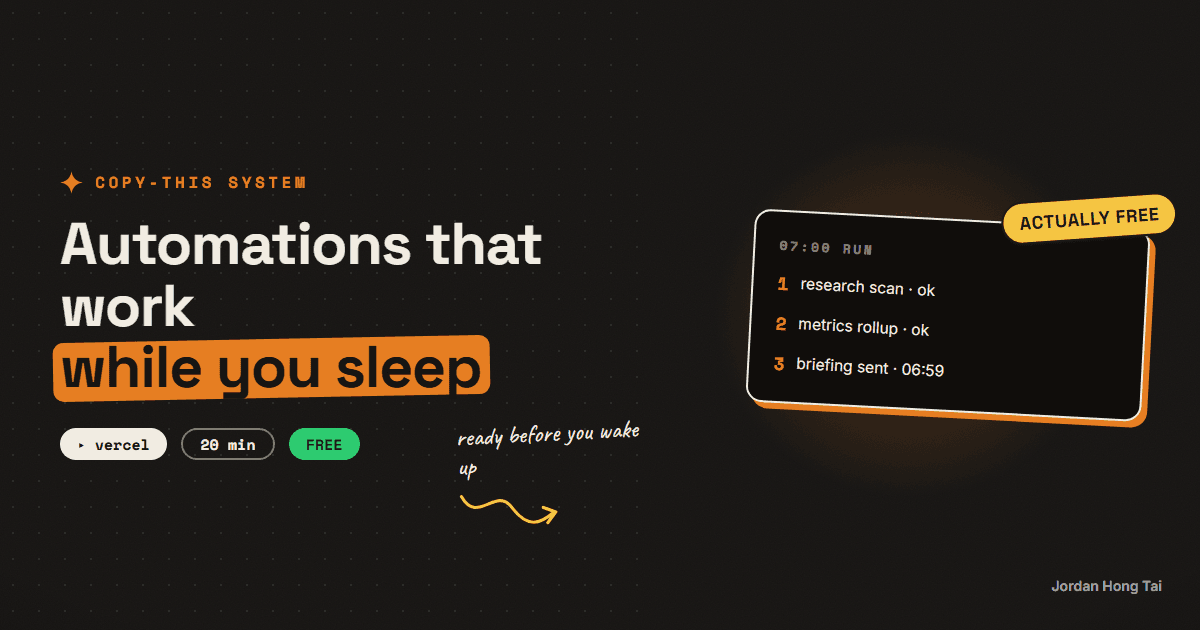
You'll put your AI research on a timer: it runs at 7 in the morning and the results are waiting when you wake up. Twenty minutes of setup, no Zapier, no subscription.
To schedule AI tasks free you need two things: a timer and a place for code to run. Vercel gives you both at $0, and this is the exact setup my own morning research runs on.
What you'll have when you're done
- A morning job at 7:00 that runs your niche research and messages you the result before you wake up
- A second daily slot at 18:00 free for whatever you automate next
- A cron setup where one broken task never takes down the others
- Zero subscriptions: no Zapier, no Make, just a few cents of AI usage per run
- [SCREENSHOT: the 7am briefing sitting in Discord]
Before you start
- A free Vercel account, with any project deployed that can serve an API route. No project yet? Deploy Vercel's Next.js starter template first; it takes about five minutes. (Built the phase method app? Use that.)
- An Anthropic API key from console.anthropic.com. It's pay-per-use; a daily scan costs cents.
- A free Discord server (or anywhere that accepts webhooks) to receive the briefing.
- 20 minutes.
Step 1: Understand the two-cron bundling trick
A cron job is a task that runs itself on a timer. Vercel's free plan gives you 2 of them, each firing once a day, and that constraint is actually the design: instead of one job per task, you make two routes and bundle.
- Morning route (7:00): everything you want done before you wake up. Mine runs the research scan.
- Evening route (18:00): everything end-of-day. Mine snapshots metrics and rolls up the week's numbers.
Every new automation you invent later just becomes one more task inside one of the two routes. No new infrastructure, ever.
Check it worked: you can say which of your ideas is a morning task and which is an evening task.
Step 2: Add the schedule file
In your project's root folder, create a file called vercel.json. This is the entire scheduling system:
{
  "crons": [
    { "path": "/api/cron/morning", "schedule": "0 7 * * *" },
    { "path": "/api/cron/evening", "schedule": "0 18 * * *" }
  ]
}
The strange "0 7 * * *" part is cron syntax, a five-slot pattern meaning "minute 0, hour 7, every day." Note the hours are UTC on Vercel, so shift them to match your timezone (Tokyo mornings mean "0 22 * * *" the night before, UTC).
Check it worked: vercel.json sits in your project root with both cron entries in it.
Step 3: Write the morning route
Create the API route the schedule points at. In a Next.js project that's a file at app/api/cron/morning/route.ts. The skeleton below is a trimmed version of my real morning route, and it has two load-bearing habits: it checks a secret before running, and it wraps each task in its own try/catch so one failure never kills the rest.
export async function GET(req: Request) {
  const auth = req.headers.get("authorization");
  if (auth !== `Bearer ${process.env.CRON_SECRET}`) {
    return Response.json({ error: "Unauthorized" }, { status: 401 });
  }

  const tasks: Record<string, unknown> = {};

  try {
    tasks.research = await runResearchScan();
  } catch (err) {
    tasks.research = { error: String(err) };
  }

  try {
    tasks.briefing = await sendToDiscord(String(tasks.research));
  } catch (err) {
    tasks.briefing = { error: String(err) };
  }

  return Response.json({ ranAt: new Date().toISOString(), tasks });
}

export const dynamic = "force-dynamic";
Now the two task functions, in the same file. The research call uses Claude's built-in web search, the same setup my daily scan runs on:
import Anthropic from "@anthropic-ai/sdk";

const client = new Anthropic();

async function runResearchScan(): Promise<string> {
  const response = await client.messages.create({
    model: "claude-sonnet-5",
    max_tokens: 4096,
    tools: [
      { type: "web_search_20260209", name: "web_search", max_uses: 5 },
    ],
    messages: [
      {
        role: "user",
        content:
          "My niche: [one sentence]. Search the web and scan the last " +
          "48 hours. Return a ranked list of 5-7 topics worth posting " +
          "about: topic, why it matters, one content angle, source link.",
      },
    ],
  });
  return response.content
    .filter((block) => block.type === "text")
    .map((block) => block.text)
    .join("");
}

async function sendToDiscord(briefing: string) {
  await fetch(process.env.DISCORD_WEBHOOK_URL!, {
    method: "POST",
    headers: { "content-type": "application/json" },
    body: JSON.stringify({ content: briefing.slice(0, 1900) }),
  });
  return { sent: true };
}
Run npm install @anthropic-ai/sdk in the project first. For the Discord side: in your server, open a channel's settings, go to Integrations, create a Webhook, and copy its URL.
Check it worked: the route file exists and the project still builds locally (npm run build passes).
Step 4: Add the secrets
Cron routes are public URLs, so they need a lock. Vercel handles this cleanly: if you set an environment variable called CRON_SECRET, Vercel automatically sends it as a Bearer token when the schedule fires, and the check at the top of your route does the rest.
In your Vercel project dashboard under Settings, then Environment Variables, add:
CRON_SECRET: any long random stringANTHROPIC_API_KEY: your API keyDISCORD_WEBHOOK_URL: the webhook URL from step 3
Check it worked: all three variables show up in your Vercel project's environment settings.
Step 5: Deploy and test without waiting for 7am
Push the project (or run vercel deploy). Don't wait for tomorrow to find out if it works; trigger the route by hand:
curl -H "Authorization: Bearer YOUR_CRON_SECRET" https://your-app.vercel.app/api/cron/morning
You should get back a JSON report where each task says what happened, and the briefing should land in Discord a few seconds later. If one task shows an error, the others still ran; that's the isolation from step 3 doing its job. Then check Vercel's dashboard under Settings, then Cron Jobs, to confirm both schedules are registered.
Check it worked: the curl returns a JSON report, the briefing is in Discord, and both cron jobs show in the Vercel dashboard. Tomorrow it happens without you. [SCREENSHOT: cron jobs registered in Vercel]
The morning-briefing automation: script + walkthrough
FAQ
Is this really free?
The scheduling is. Vercel's free plan includes cron jobs, and a Discord webhook costs nothing. The AI call itself is pay-per-use through the Anthropic API, and a daily research scan runs a few cents per day. There is no monthly subscription anywhere in the stack.
Why bundle tasks into two jobs instead of one job per task?
Vercel's free plan allows 2 cron jobs, each triggering once per day. So you bundle: one morning route that runs all your wake-up tasks, one evening route for the end-of-day tasks. Each task inside gets its own error handling, so one failure never kills the rest. Mine run exactly this way.
Do I need a Next.js app for this?
You need any project deployed on Vercel that can serve an API route. If you built an app with the phase method you already have one. If not, Vercel's Next.js starter template deploys in about five minutes and works fine as a home for your automations.
Why not just use Zapier or Make?
They're fine tools, but the free tiers are tight and AI steps usually sit behind paid plans. This stack gives you the same result with no subscription, plus you own the code, which means the automation can grow into anything: saving to a database, updating Notion, sending emails.
Can the schedule run more often than daily?
On Vercel's free plan, each cron job triggers once per day, which is exactly right for a morning briefing. If you outgrow that, paid plans unlock more frequent schedules, or you can trigger the same route manually anytime by visiting it with the secret header.
Related guides
Turn Claude into your trend researcher (10 minutes, free)
You'll set up a Claude Project that answers the question 'what should I post about today?' with a ranked, source-linked list on demand. It takes 10 minutes and works on the free plan.
Turn Notion into your AI operating system (free template)
You'll share three Notion databases with an AI that can read and write them: your content calendar, your tasks, and your leads. Thirty minutes, all free, and the first live write happens in step 5.
Build a real app with AI without it falling apart (the phase method)
You'll set up the phase method: the plan file, the progress tracker, and the checkpoints that keep an AI-built app from collapsing halfway through. It's the exact method that rebuilt the site you're reading right now.
Get the next build in your inbox
One email a week: the newest guides, plus one thing I only share with the list.
No spam. Unsubscribe anytime.
Build alongside others
Join the free community and share what you're shipping.

Jordan Hong Tai
I've scaled products to over 500K users, and now I build AI systems in public from a balcony in Tokyo.