My weekly content run used to be one long AI session doing everything in order: read last week's numbers, write three guides, plan the posts, schedule them. It was slow, and in a single session a failure partway through holds up everything queued behind it.
Now the same run is split into lanes. Each lane is its own agent with one job, they run at the same time, and none of them can overwrite another. On 6 November 2026 five lanes finished in about 30 minutes of wall-clock time. This guide is the four small pieces that make that safe: a brief, a part file per lane, a lock for heavy jobs, and a merge step that only one script is allowed to run.
What you'll have when you're done
- A one-page brief every agent reads before it does anything
- One part file per lane, so two agents never write the same file
- A lock file that stops two heavy jobs from running on one machine at once
- A merge script that builds the week file and says which lane is missing
- A commit rule that keeps agents out of each other's work
- [SCREENSHOT: terminal, "merged 3/4 lanes" and the MISSING line]
Before you start
- An AI coding agent that can start subagents. I use Claude Code. The pattern doesn't depend on the tool.
- A git repository for the work.
- Node.js 20 or newer for the merge script.
- A recurring job big enough to split. If the whole thing takes ten minutes, leave it as one session.
- About an hour to set up the first time.
There's no download pack for this one. Every file is on the page.
Step 1: Split the job into lanes that don't share files
A lane is a piece of the job that can finish without waiting for another piece. Mine are results (read last week's numbers), guides, X posts, video, and a channel or two.
The test for a good split is the files. Write down what each lane reads and what it writes. If two lanes write the same file, they aren't separate lanes yet.
lane      reads                        writes
results   last week's post ids         parts/results.json
guides    backlog, voice rules         parts/guides.json  + its own guide files
x         results (if ready), voice    parts/x.json
video     scripts, budget              parts/video.json   + its own render folder
One lane can read another's output if it's there, but it has to have a default for when it isn't. My LinkedIn step reads the results lane's verdict if the file exists and falls back to last week's rule if not.
Check it worked: no file appears in the "writes" column twice. The shared week file isn't in the column at all, because no lane writes it.
Step 2: Write one brief that every agent reads first
Each agent starts with nothing. The brief is the only shared memory, so it carries the state and the rules, and each agent's own task stays short.
# Week 48 brief

You are one lane of an unattended weekly run. Nobody is present. Do not ask
questions; act inside your lane, then report.

## State found at the start
- What ran last week and what didn't
- Balances and budgets, with a cap per lane
- Which logins are dead. Skip any step that needs one and say so.

## Hard rules
- You write ONLY your part file: weeks/2026-W48.parts/<lane>.json
- Commit only your own files, by explicit path. Never "git add -A".
- Take the heavy lock before any render or build (Step 3).
- After you schedule anything, read it back. An echoed field is not delivery.

## Final summary, 350 words or fewer
What you did, what you skipped and why, what you spent, and 2 to 4 lessons.
State failures plainly. Never claim something you did not verify by re-reading.
The line I'd keep above all the others is the last one. An agent that reports "scheduled" because the API echoed its request back will be wrong some weeks, and you won't find out until the post doesn't appear.
Check it worked: hand the brief and one lane's task to a fresh agent with no other context. It can start without asking you anything.
Step 3: Add a lock for the heavy jobs
Parallel agents on one machine will all reach for the same memory. Mine often has about 1 GB free, and one run took 53 minutes to render 7 short episodes with about 1.2 GB free. A video render and a site build at the same moment kill each other.
The fix is a lock file. Creating a file that already exists fails, and that failure is the test.
# PowerShell: take the lock, or learn who holds it
try {
  New-Item -ItemType File "scripts/.heavy-lock" -Value "guides" -ErrorAction Stop | Out-Null
  "took lock"
} catch {
  "busy: held by $(Get-Content 'scripts/.heavy-lock')"
}
# ... heavy job here ...
Remove-Item "scripts/.heavy-lock"
# bash: the same thing, with noclobber
if ( set -o noclobber; echo "guides" > scripts/.heavy-lock ) 2>/dev/null; then
  echo "took lock"
else
  echo "busy: held by $(cat scripts/.heavy-lock)"
fi
I ran the PowerShell version twice in a row on 20 November 2026. The first call printed took lock and the second printed busy: held by guides.
Three rules go with it, and they're in my brief:
If the lock exists, wait 60 seconds and try again.
A lock older than 40 minutes is stale: delete it and take it.
Delete the lock the moment the heavy job ends. Never hold it while writing copy.
The stale rule matters because an agent can die holding the lock. Without it, one crash blocks every other lane for the rest of the run.
Check it worked: start two heavy jobs from two terminals. The second one waits, and it starts within a minute of the first one finishing.
Step 4: Have each lane write a part file
Each agent writes one JSON file named after its lane and nothing else in the shared folder. Keep it slim: ids, slots, links and status. The detail stays in the lane's own files.
{
  "guides": [
    { "slug": "example-guide", "url": "https://example.com/guides/example-guide", "http_status": 200 }
  ],
  "linkedin": { "date": "2026-11-24T09:00", "type": "text", "post_id": "..." },
  "notes": ["Renders ran against the live site, no local server needed."]
}
Record what you verified, and how. http_status: 200 means the agent fetched the page after publishing. A post id means the scheduler returned one and the agent read the calendar back and found it there.
Check it worked: every lane that ran has left exactly one file in the parts folder, and each one opens as valid JSON.
Step 5: Merge with one script, and make it loud about gaps
Only the orchestrator builds the week file. Save this as merge-parts.mjs and list the lanes you started.
// node merge-parts.mjs weeks/2026-W48
// Reads weeks/2026-W48.parts/<lane>.json and writes weeks/2026-W48.json.
// Only this script writes the week file. Agents only write their own part.
import { readFileSync, writeFileSync, readdirSync, existsSync } from "node:fs";
import { join, basename } from "node:path";

const base = process.argv[2];
const partsDir = `${base}.parts`;
const EXPECTED = ["results", "guides", "x", "video"]; // the lanes you started

const week = { week: basename(base), merged_at: new Date().toISOString(), lanes: {}, missing: [] };
for (const lane of EXPECTED) {
  const file = join(partsDir, `${lane}.json`);
  if (!existsSync(file)) {
    week.missing.push(lane);
    continue;
  }
  try {
    week.lanes[lane] = JSON.parse(readFileSync(file, "utf8"));
  } catch (e) {
    week.missing.push(`${lane} (bad JSON: ${e.message})`);
  }
}
const extra = readdirSync(partsDir)
  .filter((f) => f.endsWith(".json"))
  .map((f) => f.replace(/\.json$/, ""))
  .filter((l) => !EXPECTED.includes(l));
if (extra.length) week.unexpected = extra;

writeFileSync(`${base}.json`, JSON.stringify(week, null, 2));
console.log(`merged ${Object.keys(week.lanes).length}/${EXPECTED.length} lanes`);
if (week.missing.length) {
  console.log(`MISSING ${week.missing.join(", ")}`);
  process.exit(1);
}
node merge-parts.mjs weeks/2026-W48
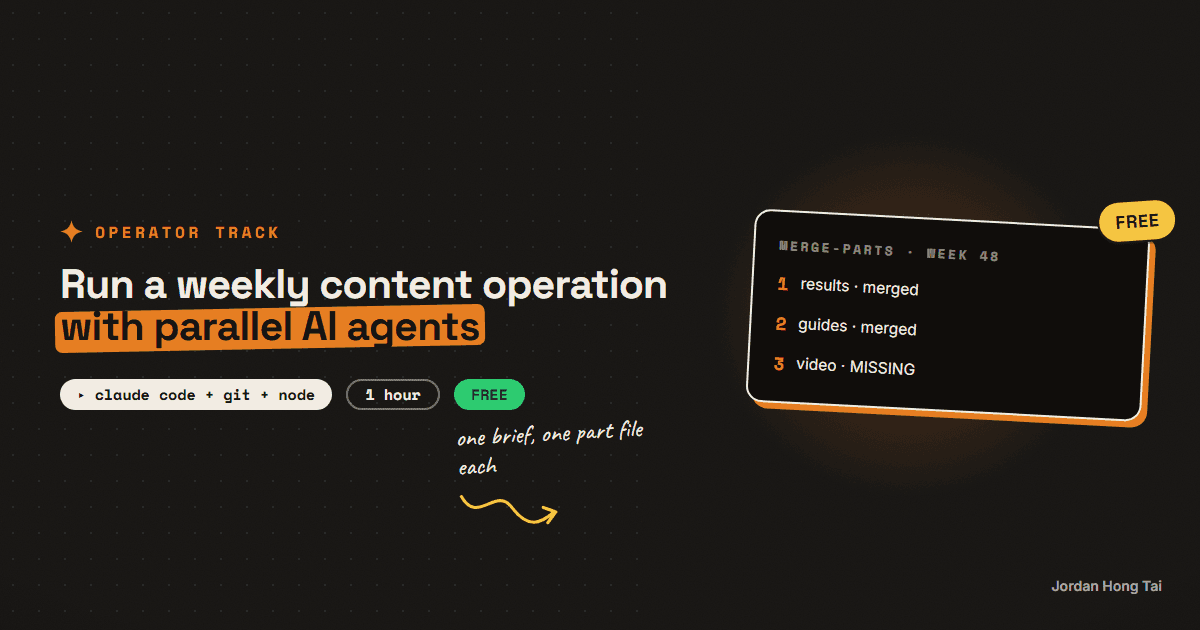
I ran it on 20 November 2026 with three of the four part files in place:
merged 3/4 lanes
MISSING video
The exit code was 1. That's the behaviour I want: a lane that died quietly shows up as a named gap at merge time. It doesn't turn into an empty Thursday that I only notice once the week has started.
Check it worked: delete one part file and run the merge. It names the missing lane and exits 1. Put the file back and it exits 0.
Step 6: Keep agents out of each other's commits
Several agents in one working tree means the tree is always dirty with someone else's half-finished work. Two rules handle it.
Commit only your own files, by explicit path:
  git add scripts/content/guides/my-guide.mdx scripts/content/guides/my-guide.json
  git commit -m "Guides W48: my-guide"

Never:
  git add -A
  git commit -am "..."
When a lane has to ship to the main branch while the working branch carries other people's unpushed commits, I cut a separate worktree from the remote main, copy that lane's files in, build there and push from there. Then the same paths get committed on the working branch.
git fetch origin
git worktree add ../ship-guides origin/main
# copy only this lane's files in, build, commit by path, push
git worktree remove ../ship-guides
Check it worked: run git show --stat on a lane's commit. Every file in it belongs to that lane.
What it did to my week
The numbers are from my own run logs, on one Windows machine.
2026-10-30   5 background agents   about 55 minutes wall clock
2026-11-06   5 lanes               about 30 minutes wall clock
I think the time saved is the smaller win. The bigger one is that a failure stays in its lane. On 6 November the video lane produced nothing, because no script passed its quality bar. The guides, the X posts and the LinkedIn post still shipped, and the summary said exactly which lane came back empty and why.
The honest part
This doesn't make the agents smarter. A lane with a vague task still does vague work, only faster and at the same time as four others.
It also costs more to run than one session, because every agent reads the brief and loads its own context. And a summary is a claim. I've had lanes report work they hadn't checked, which is why the brief asks for a read-back and the part file records how each thing was verified.
For a hiring manager reading this: the brief, the part files and the merge check are ordinary operations practice. They're how you'd run five contractors on one calendar too.
What I'd do differently
Draw the file table first. Collisions come from two lanes writing one file, and the table shows them before anything runs.
Add the stale-lock rule on day one. Without it, one dead agent can hold up every other lane.
Make the merge fail on a gap. A quiet partial week is worse than a loud failed one.
Cap the summary. At 350 words the agent has to choose what matters, and I actually read it.
FAQ
How do I stop parallel AI agents from overwriting each other's files?
Give each agent one output file that only it writes, named after its lane, and keep the shared file out of every agent's hands. A single merge script builds the shared file from the parts afterwards. Before you start, list what each lane writes; if a file appears twice, the split isn't finished.
What is a lock file and why do agents need one?
A lock file is an empty marker that says a heavy job is running. Creating a file that already exists fails, so the second agent knows to wait. On a machine with about 1 GB of free memory, it stops a video render and a site build from running at the same moment.
What happens if an agent crashes while holding the lock?
Without a rule, every other agent waits forever. Treat a lock older than a fixed age as stale, 40 minutes in my setup, then delete it and take it. Agents doing long work touch the lock between steps so it never looks stale while they're alive.
Is running agents in parallel cheaper than one long session?
No. It's faster and failures stay contained, but each agent reads the brief and loads its own context, so total usage goes up. Split a job only when it's long enough that wall-clock time or a mid-run failure is a real cost.
Can I trust an agent's final summary?
Treat it as a claim. Ask every agent to read back what it scheduled or published and to record how each item was verified, such as an HTTP status or a post id found in the calendar. A merge script that fails when a part file is missing catches the lanes that died without saying so.
Related guides
Get the next build in your inbox
One email a week: the newest guides, plus one thing I only share with the list.
No spam. Unsubscribe anytime.

I can build this for you.
If you would rather not do the steps yourself, tell me what you need and I will show you how I would approach it.